Packages
Below is a list of XRC Toolkit packages.
XRC AI
Documentation | edu.cornell.xrc.toolkit.ai | 0.6.0
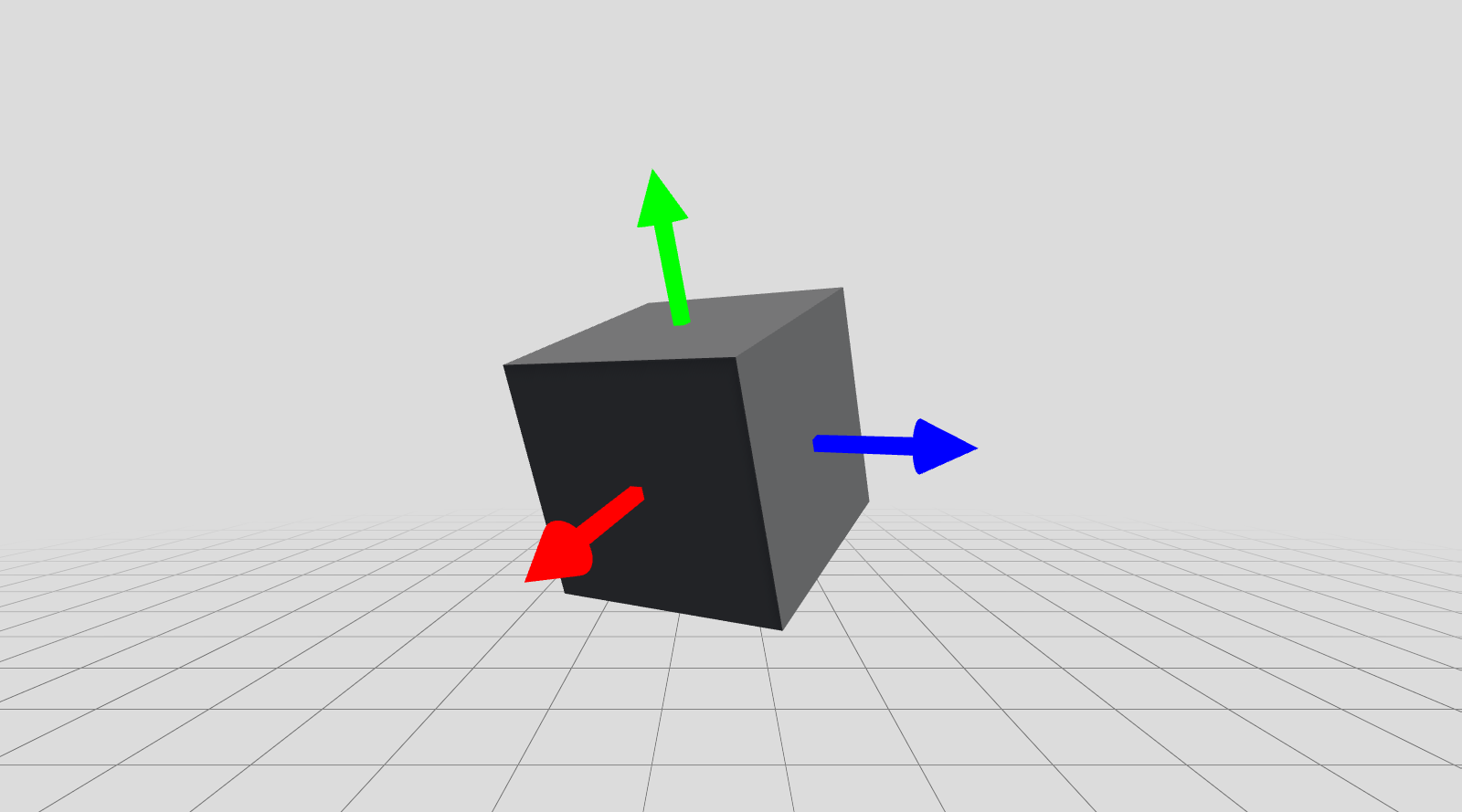
Package for integrating LLMs and agents into XRC Toolkit. Built on Microsoft.Extensions.AI and Microsoft.Agents.AI, supporting OpenAI and Ollama providers. Includes a Workflow module for multi-agent orchestration (Sequential, Concurrent, Handoff). Requires NuGet packages: Microsoft.Extensions.AI, Microsoft.Extensions.AI.OpenAI, Microsoft.Agents.AI, Microsoft.Agents.AI.Workflows, OllamaSharp. API keys: Create a scriptable object via Right-click > XRC > XRC API Key. Store in a gitignored location.
XRC Assets
Documentation | edu.cornell.xrc.toolkit.assets | 0.1.0
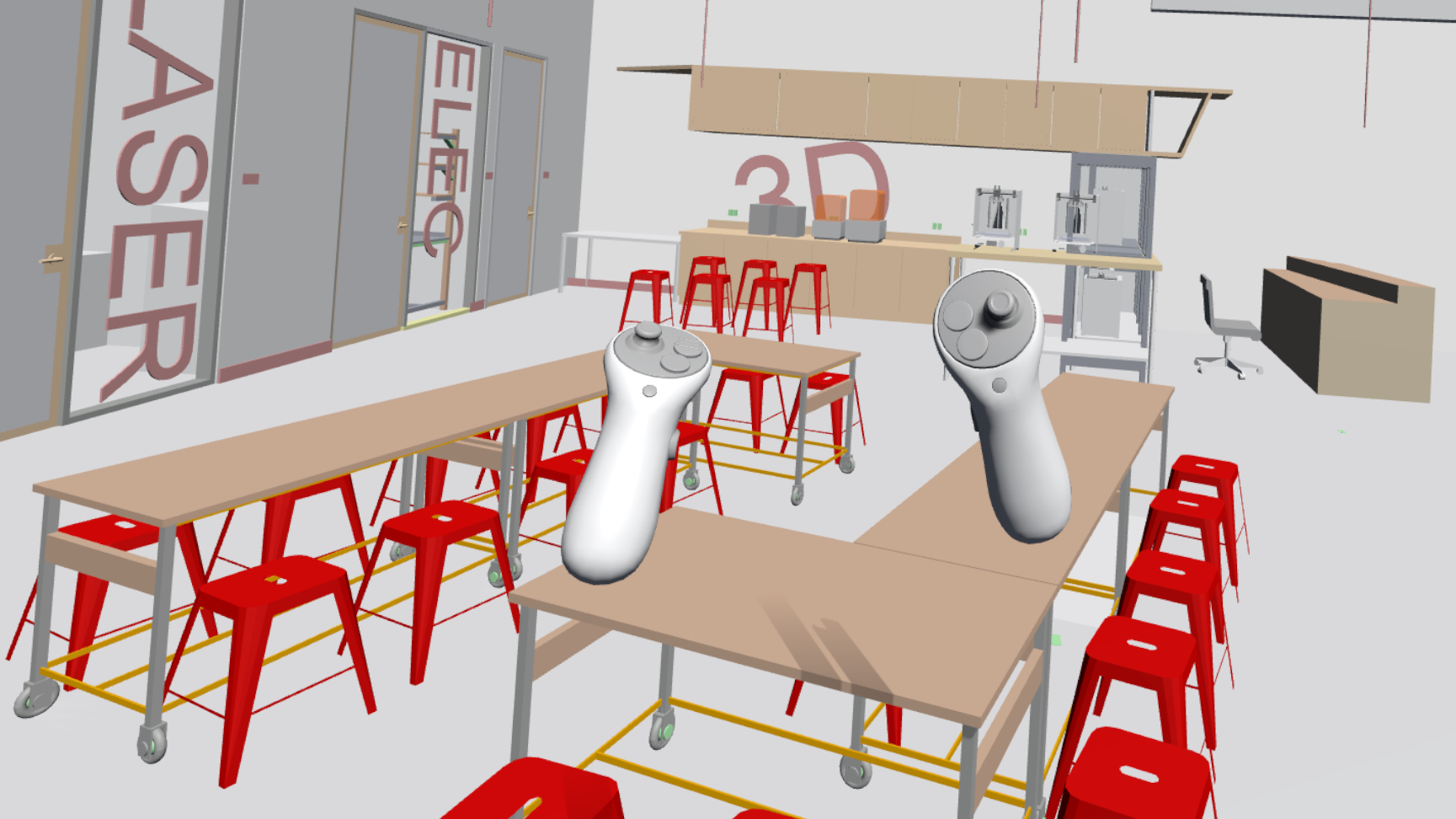
This package contains various assets for use in XRC Toolkit projects. Assets include large 3D models and other assets that are not included in XRC Core's Starter Assets sample.
XRC Color
Documentation | edu.cornell.xrc.toolkit.color | 0.2.1
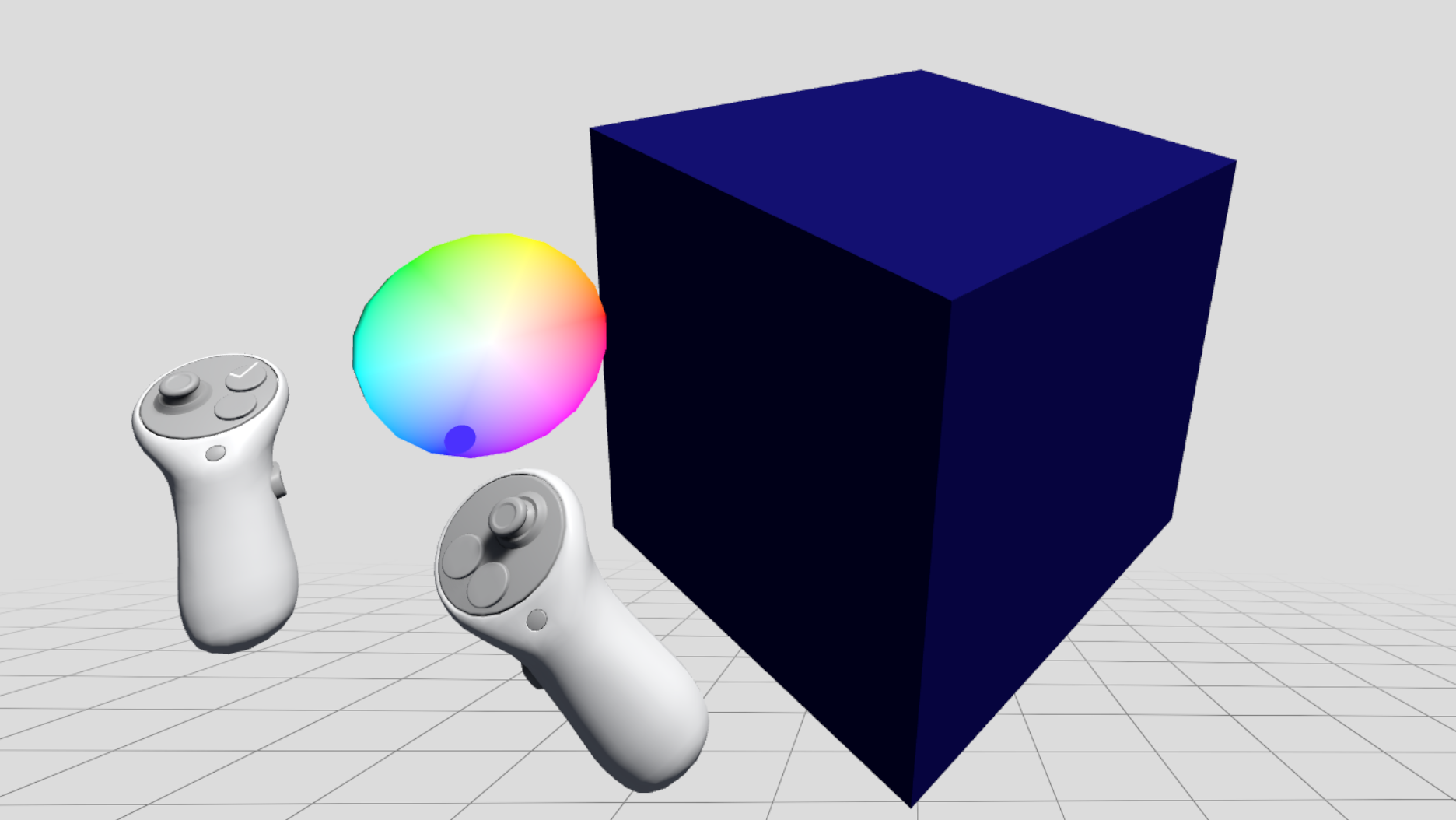
Interactive HSV cylinder color picker for Unity XR/VR environments. Features a preview-then-apply workflow with real-time color sampling through 3D spatial interaction. Maps hue to angle, saturation to radius, and brightness to height for intuitive color selection. Supports controller-attached or world-space positioning with dynamic visual feedback.
XRC Core
Documentation | edu.cornell.xrc.toolkit.core | 0.4.0
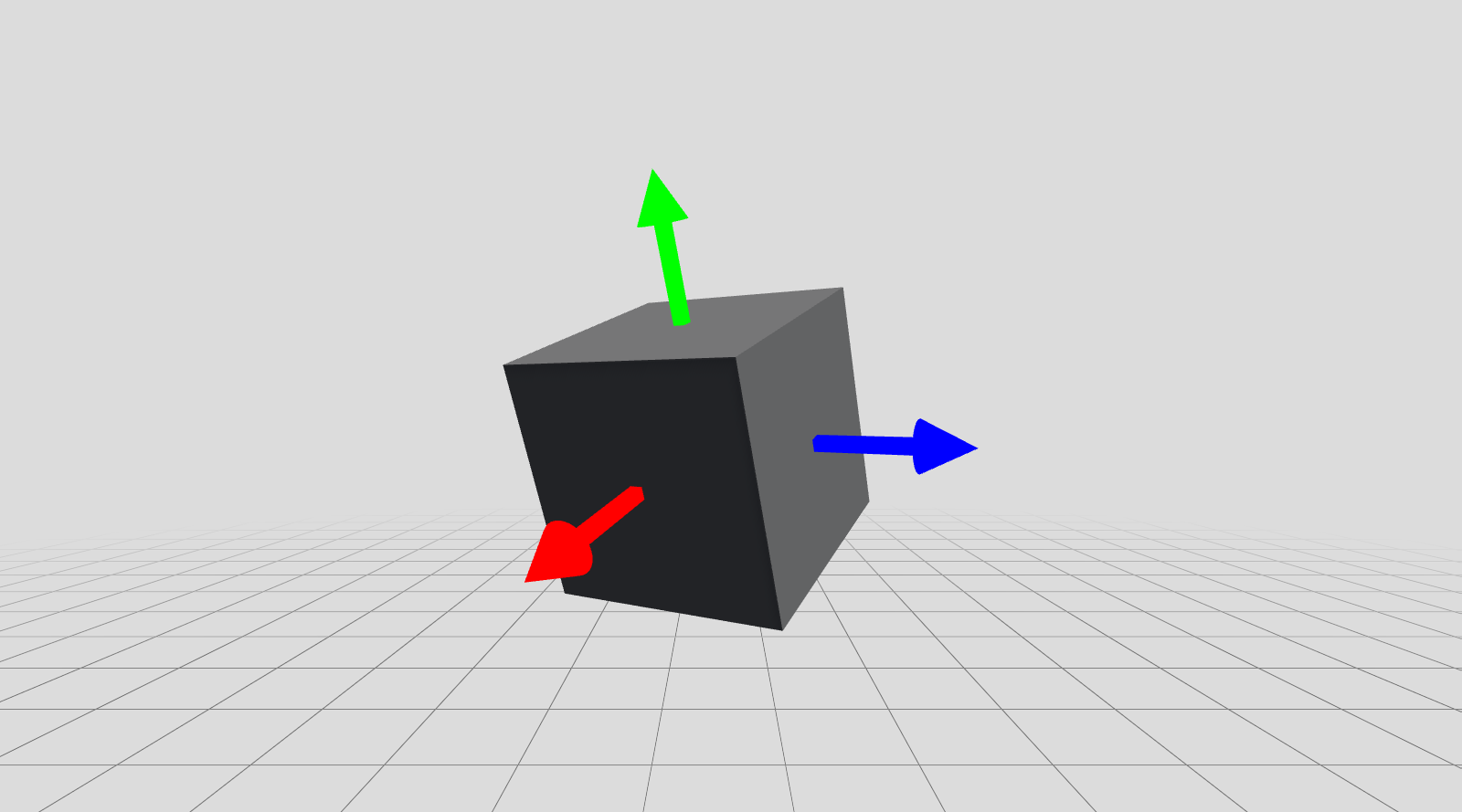
A collection of starter assets and core utility scripts used across XRC Toolkit packages.
XRC Create
Documentation | edu.cornell.xrc.toolkit.create | 0.2.1
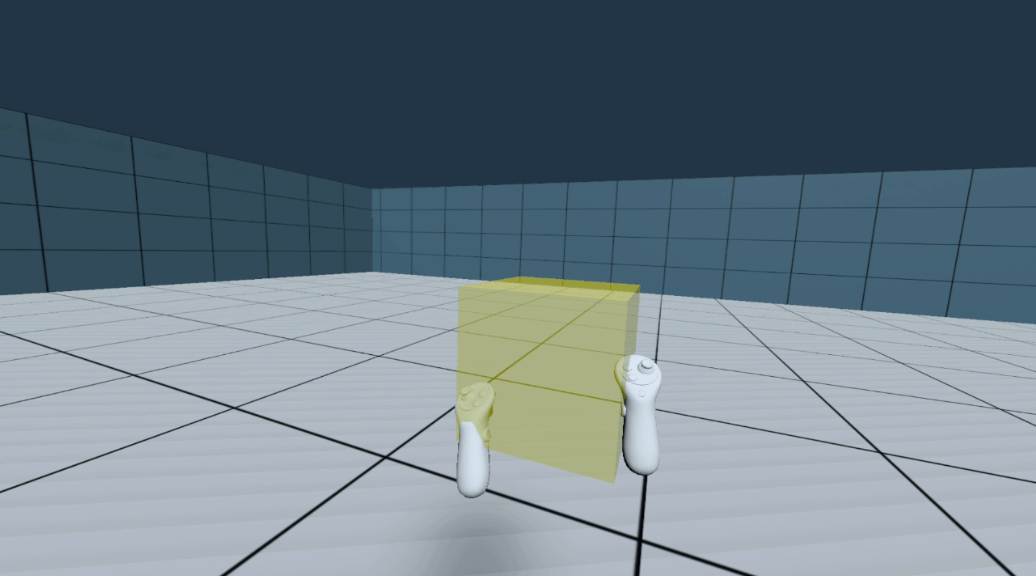
XRC Create enables intuitive object creation, duplication, and deletion in XR environments through bimanual interactions. Users can create 3D primitive objects (cubes, spheres, capsules, cylinders, planes, quads) with real-time size control based on controller separation distance, supporting both uniform and non-uniform scaling modes. Features include semi-transparent preview visualization, haptic feedback, and gesture-based editing for rapid XR scene prototyping.
XRC Go-Go
Documentation | edu.cornell.xrc.toolkit.gogo | 0.2.2
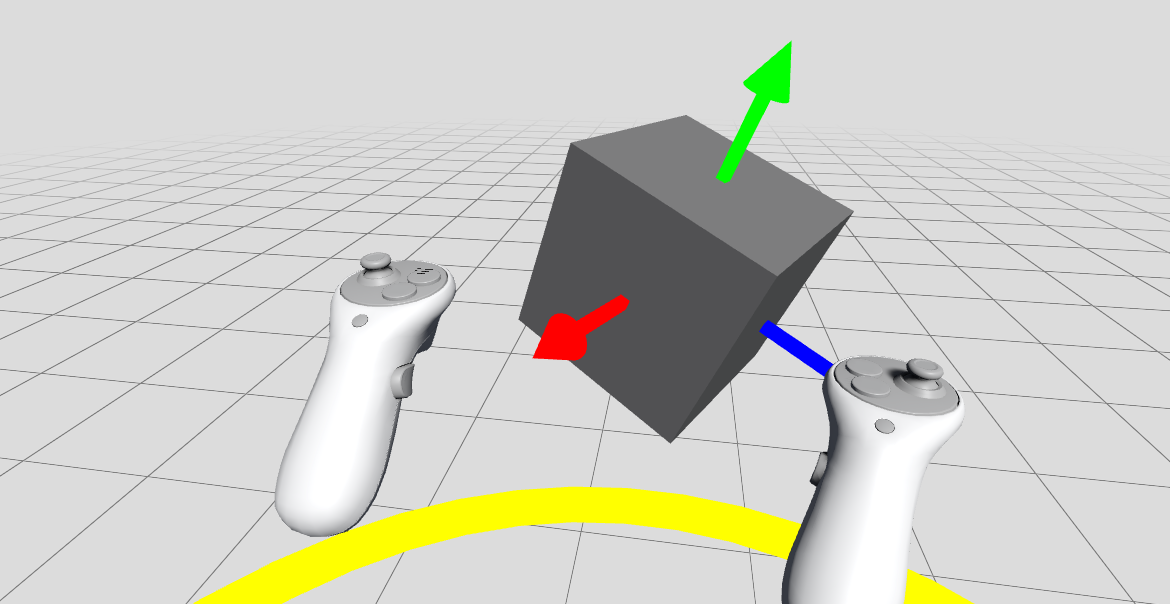
This package is an implementation of the Go-Go interaction technique as presented in the original paper, by extending the XR Interaction Toolkit. Original paper: Ivan Poupyrev, Mark Billinghurst, Suzanne Weghorst, and Tadao Ichikawa. 1996. The go-go interaction technique: non-linear mapping for direct manipulation in VR. In Proceedings of the 9th annual ACM symposium on User interface software and technology (UIST '96). Association for Computing Machinery, New York, NY, USA, 79–80. https://doi.org/10.1145/237091.237102.
XRC Grab Move
Documentation | edu.cornell.xrc.toolkit.grabmove | 0.2.1
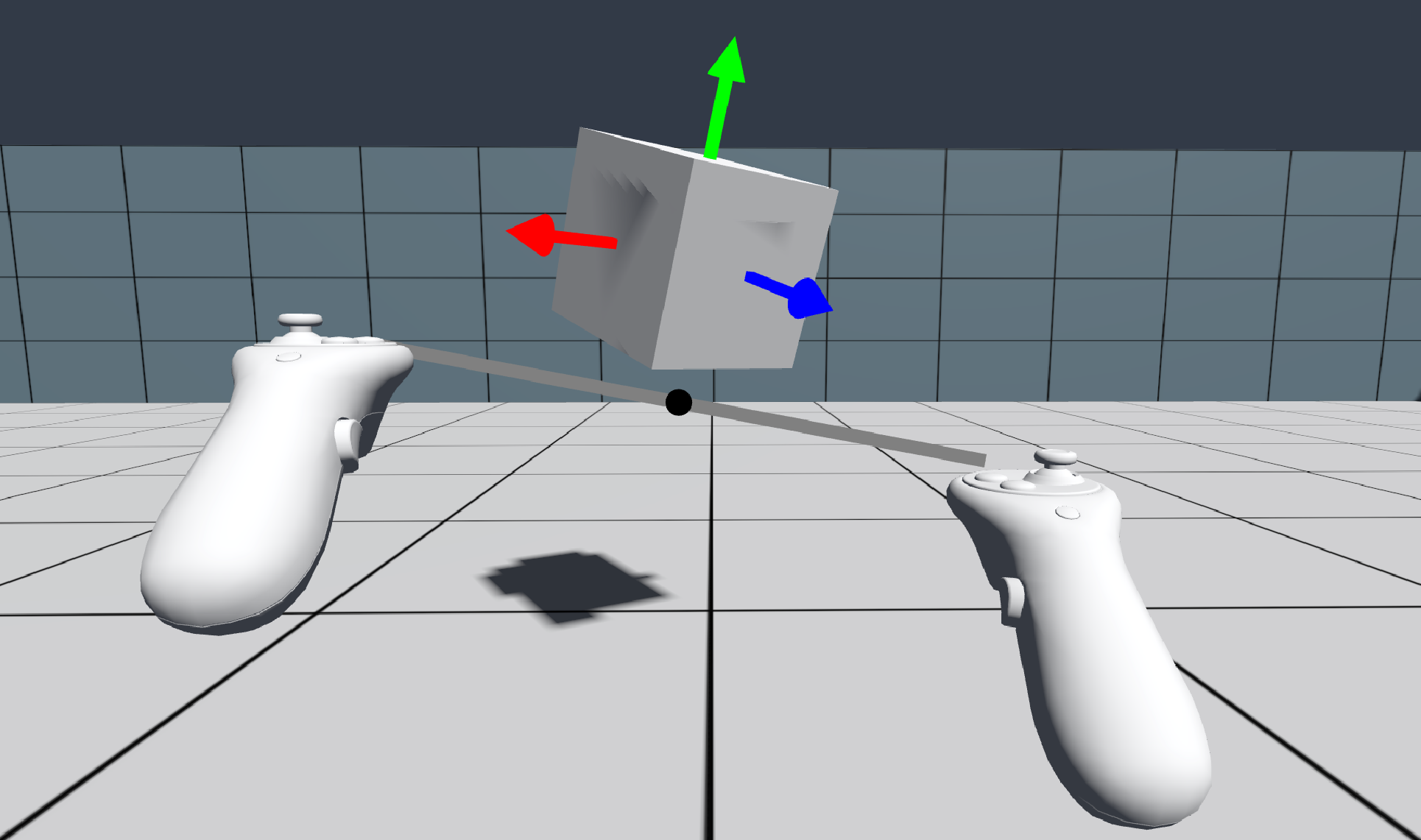
A bimanual XR locomotion technique that transforms the player (XR Origin) through space using both controllers. Supports independent control of translation, rotation (full 3D or yaw-only), and scaling with configurable constraints. Optional attached objects create the perceptual illusion of environment manipulation. Features comprehensive visual feedback including pivot visualization, controller line rendering, and scale percentage display. Inspired by Gravity Sketch, built with Unity's XR Interaction Toolkit.
XRC Mesh
Documentation | edu.cornell.xrc.toolkit.mesh | 0.2.1
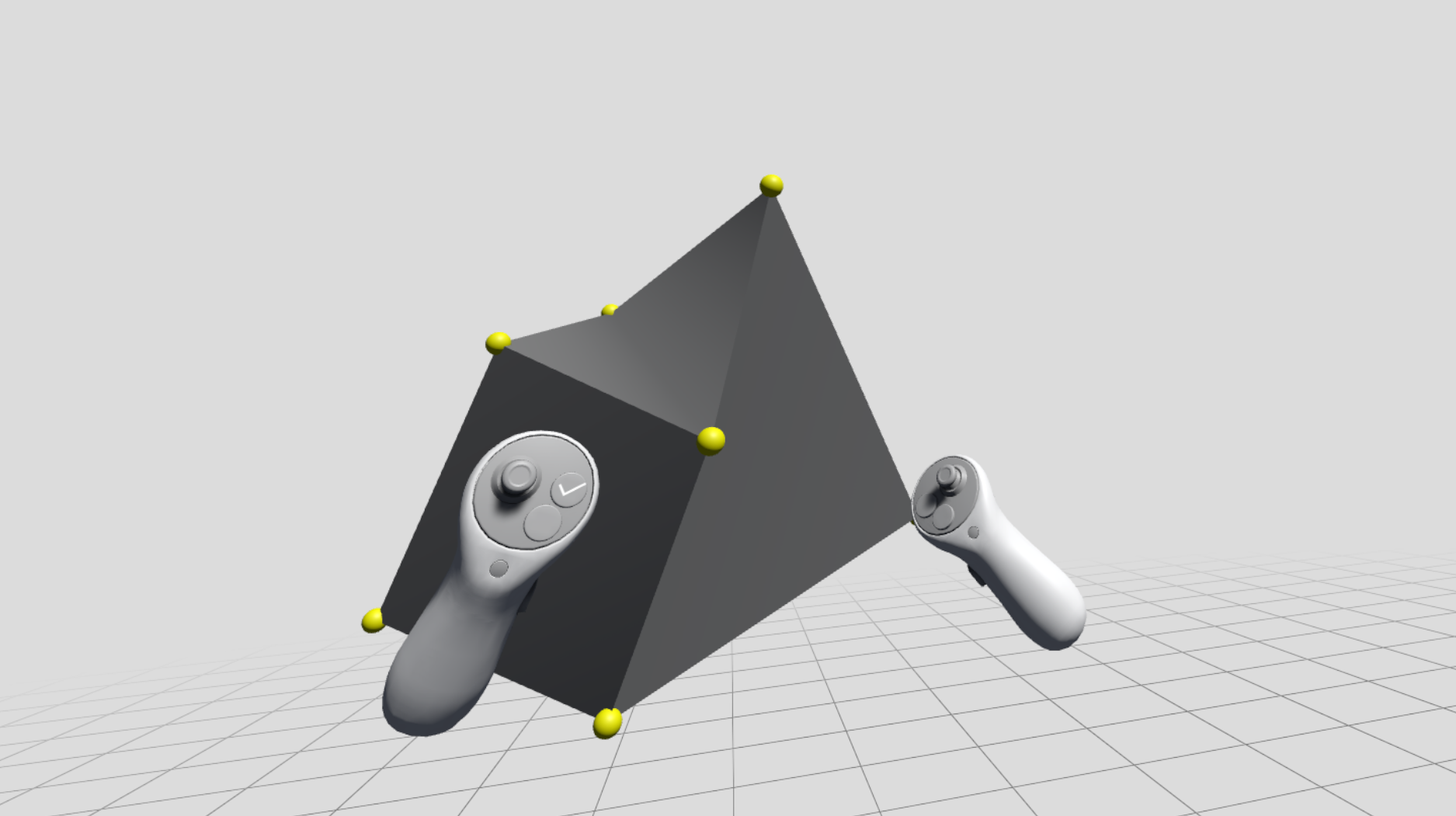
Provides real-time mesh vertex editing for XR/VR environments with interactive handles at each unique vertex position. Features automatic vertex grouping, dynamic collider updates, and seamless integration with Unity XR Interaction Toolkit for intuitive mesh deformation using controllers or hand tracking.
XRC Motor
Documentation | edu.cornell.xrc.toolkit.motor | 0.2.0
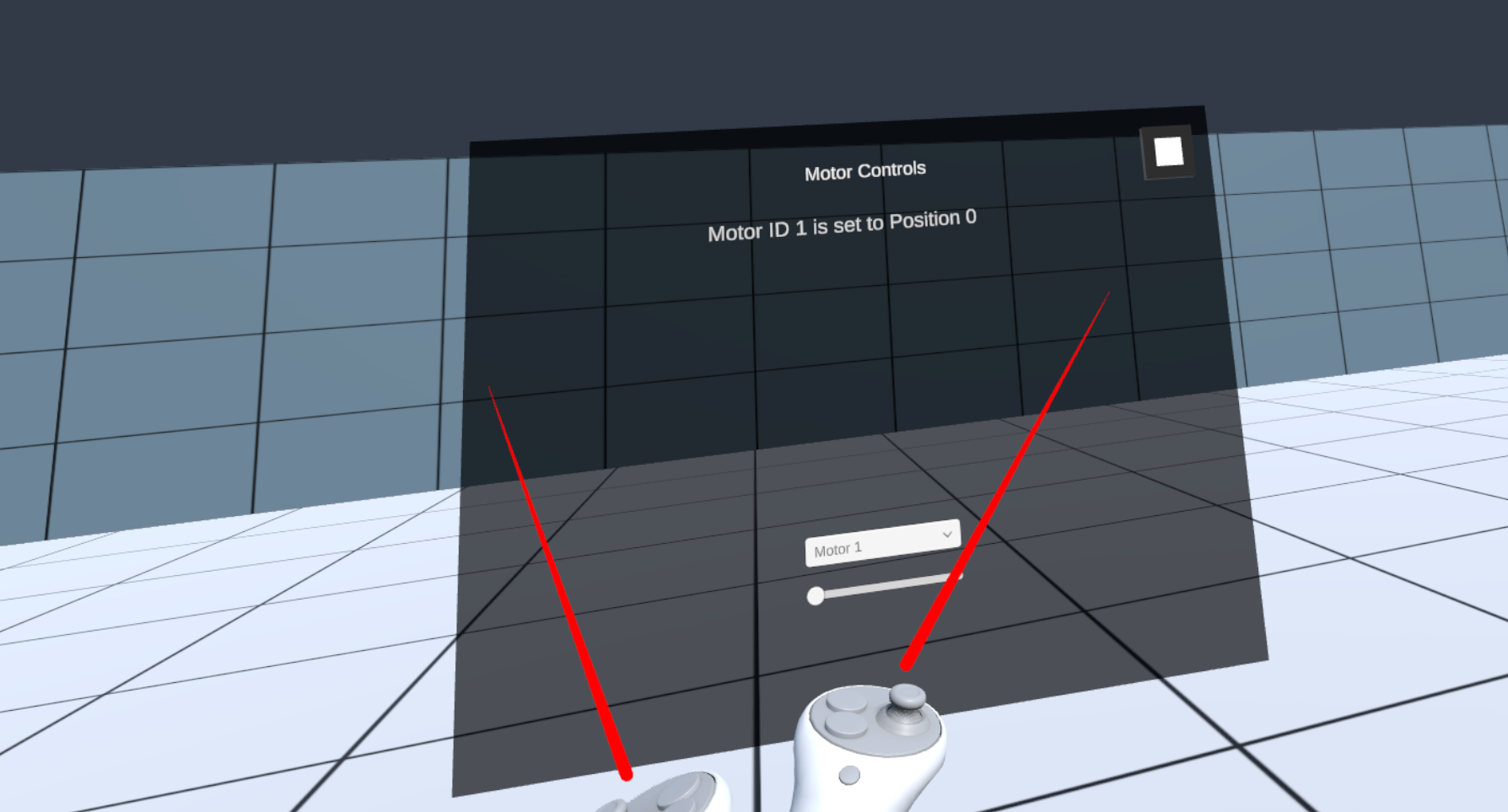
A basic package to demonstrate ROS motor control in XR.
XRC PRISM
Documentation | edu.cornell.xrc.toolkit.prism | 0.1.0
This package is an implementation of the PRISM (Precise and Rapid Interaction through Scaled Manipulation) interaction technique as presented in the original paper, by extending the XR Interaction Toolkit. Original paper: Scott Frees and G. Drew Kessler. 2005. Precise and rapid interaction through scaled manipulation in immersive virtual environments. In IEEE Proceedings. VR 2005. Virtual Reality, 2005., 99–106. https://doi.org/10.1109/VR.2005.1492759.
XRC Repeat
Documentation | edu.cornell.xrc.toolkit.repeat | 0.2.0
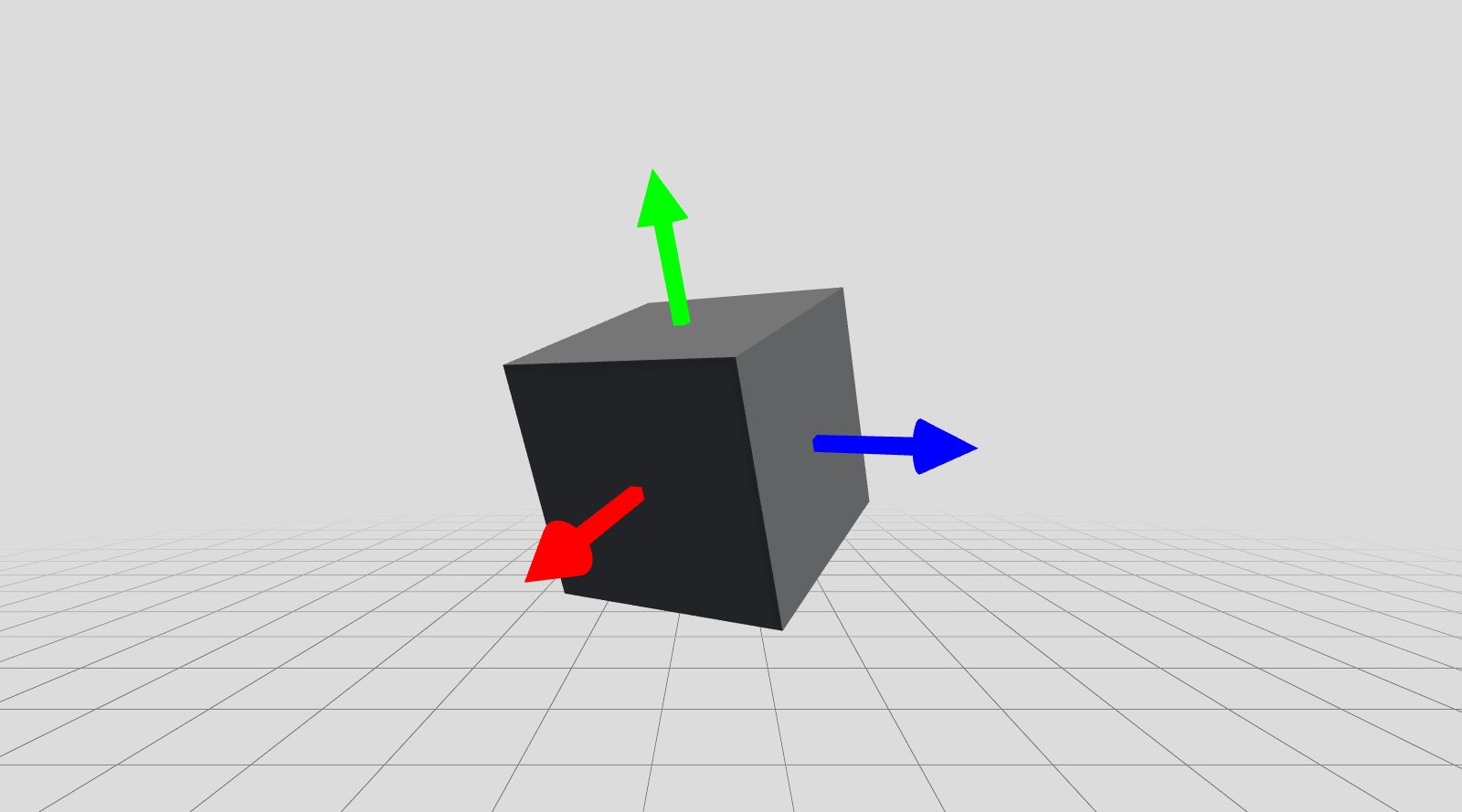
Package for spatial recording and playback. Requires Ultimate Replay 3.0 (paid asset).
XRC Scale
Documentation | edu.cornell.xrc.toolkit.scale | 0.2.1
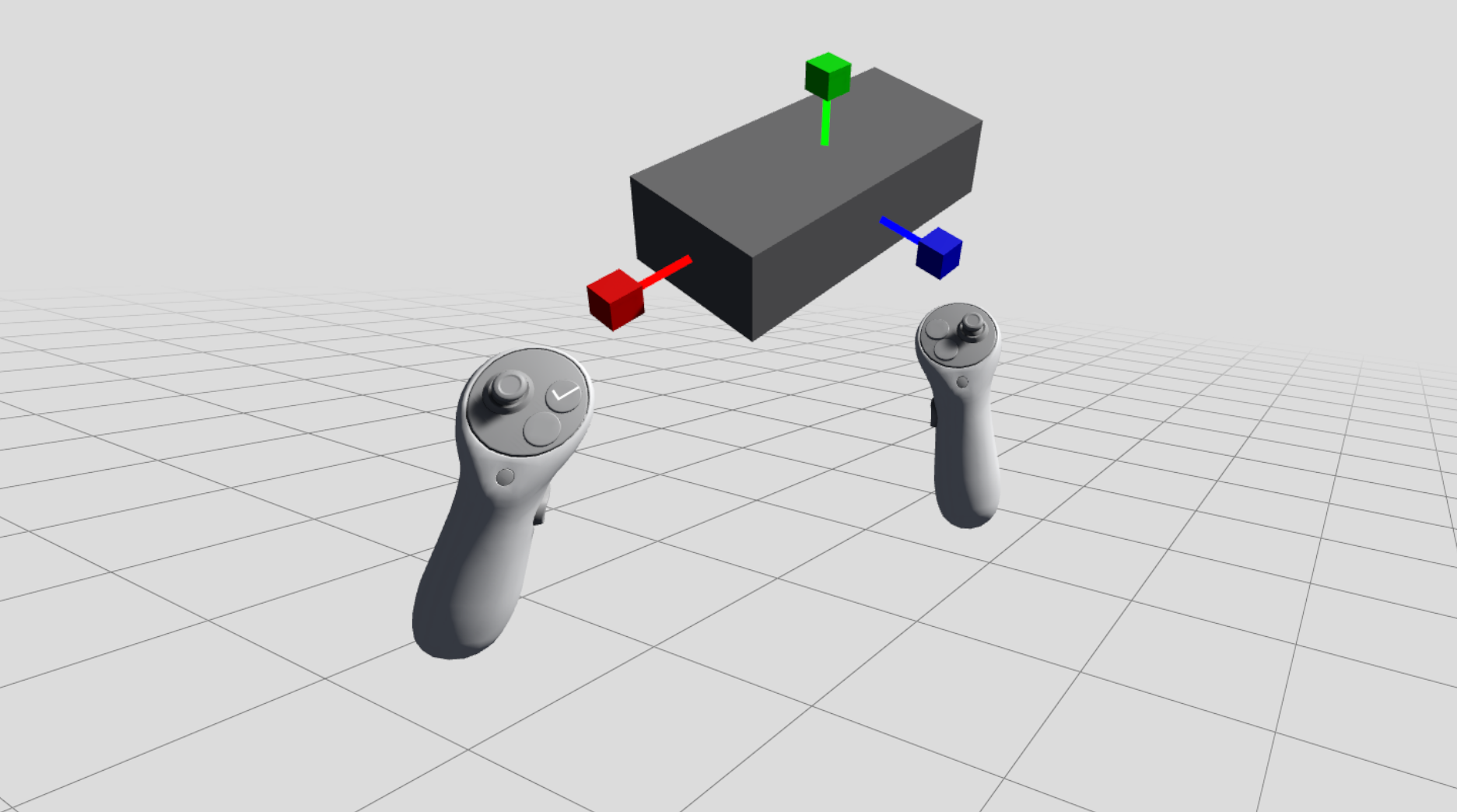
Per-axis object scaling for XR environments with color-coded grabbable handles and visual feedback stems. Enables independent scaling along X, Y, and Z axes through direct manipulation.
XRC Speech
Documentation | edu.cornell.xrc.toolkit.speech | 0.1.1
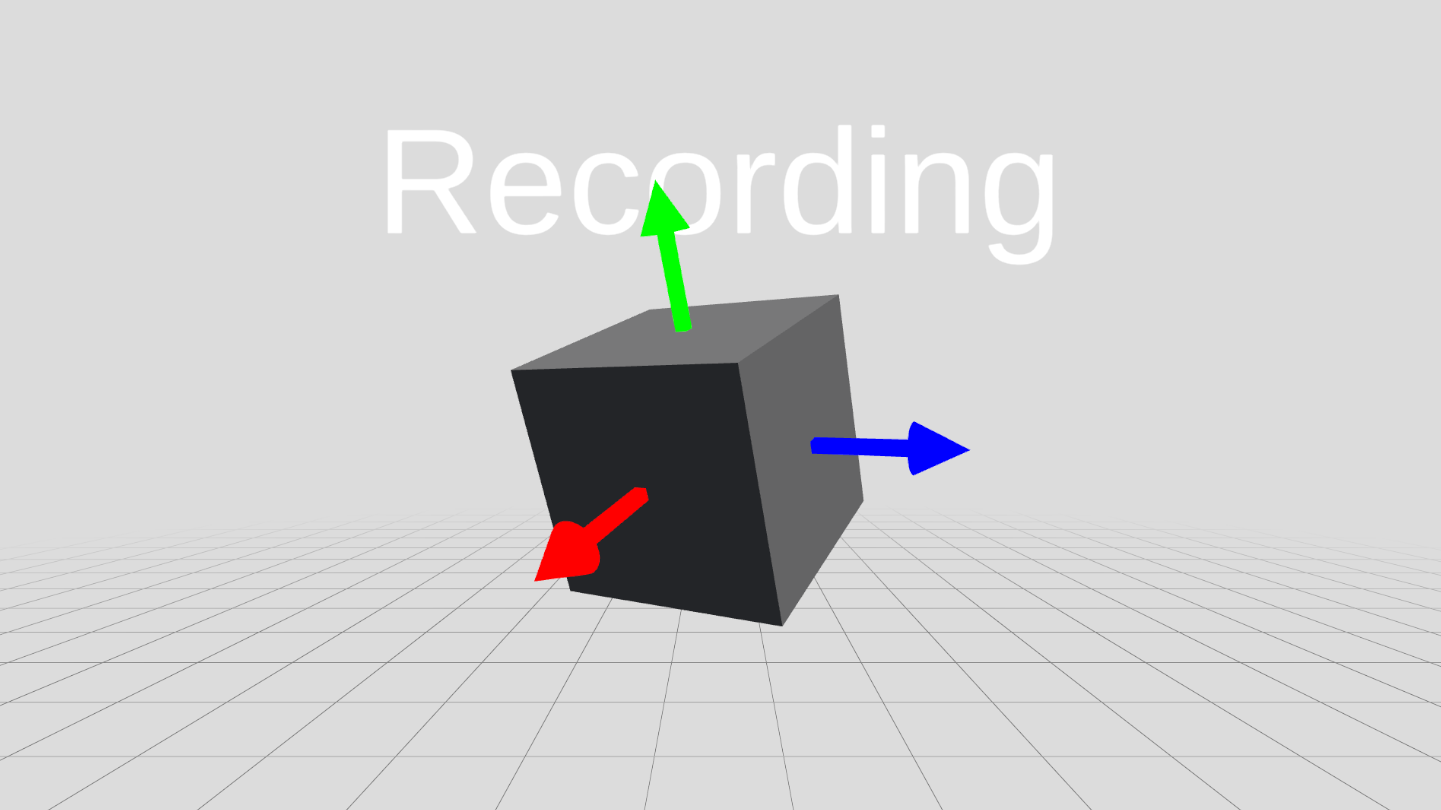
Package for speech-to-text, and text-to-speech functionality. Meant to be used with the XRC Compute server, or an OpenAI key.
XRC Sphere Select
Documentation | edu.cornell.xrc.toolkit.sphereselect | 0.2.0
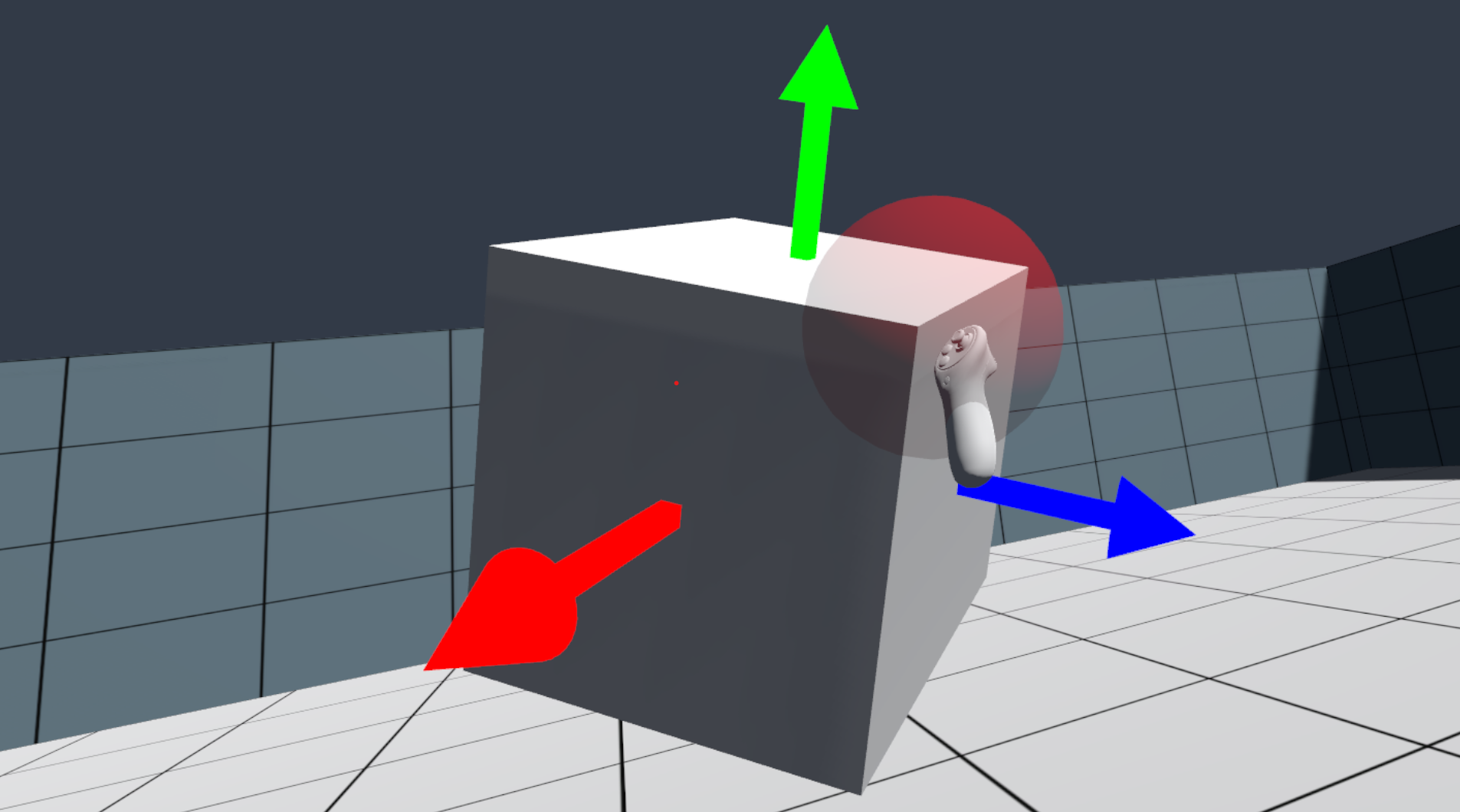
An implementation of a selection technique using a sphere as the selection volume; Sphere Select. This is similar to the selection technique found in Gravity Sketch.
XRC Vision
Documentation | edu.cornell.xrc.toolkit.vision | 0.1.0
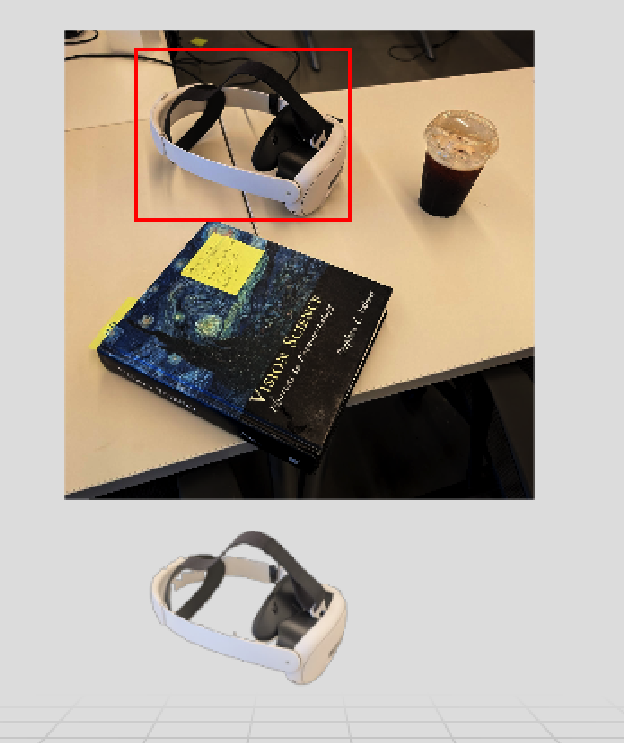
Package for communicating with specific vision models. Currently the package implements a simple call to a locally-hosted Segment Anything Model 2 (SAM 2). Meant to be used with the XRC Compute server.
This document is automatically generated. Do not edit manually.